
A simple way to move from scattered HOA work to one community workspace.
CommunityOne helps boards replace spreadsheets, email chains, and scattered folders with one place for dues, records, meetings, requests, and resident updates. Start with the plan that matches the work your association needs to manage today.
See the real onboarding surface before starting a trial.
The setup flow uses the same CommunityOne workspace model that boards use after launch: create the community, organize the first records, then invite the right people.
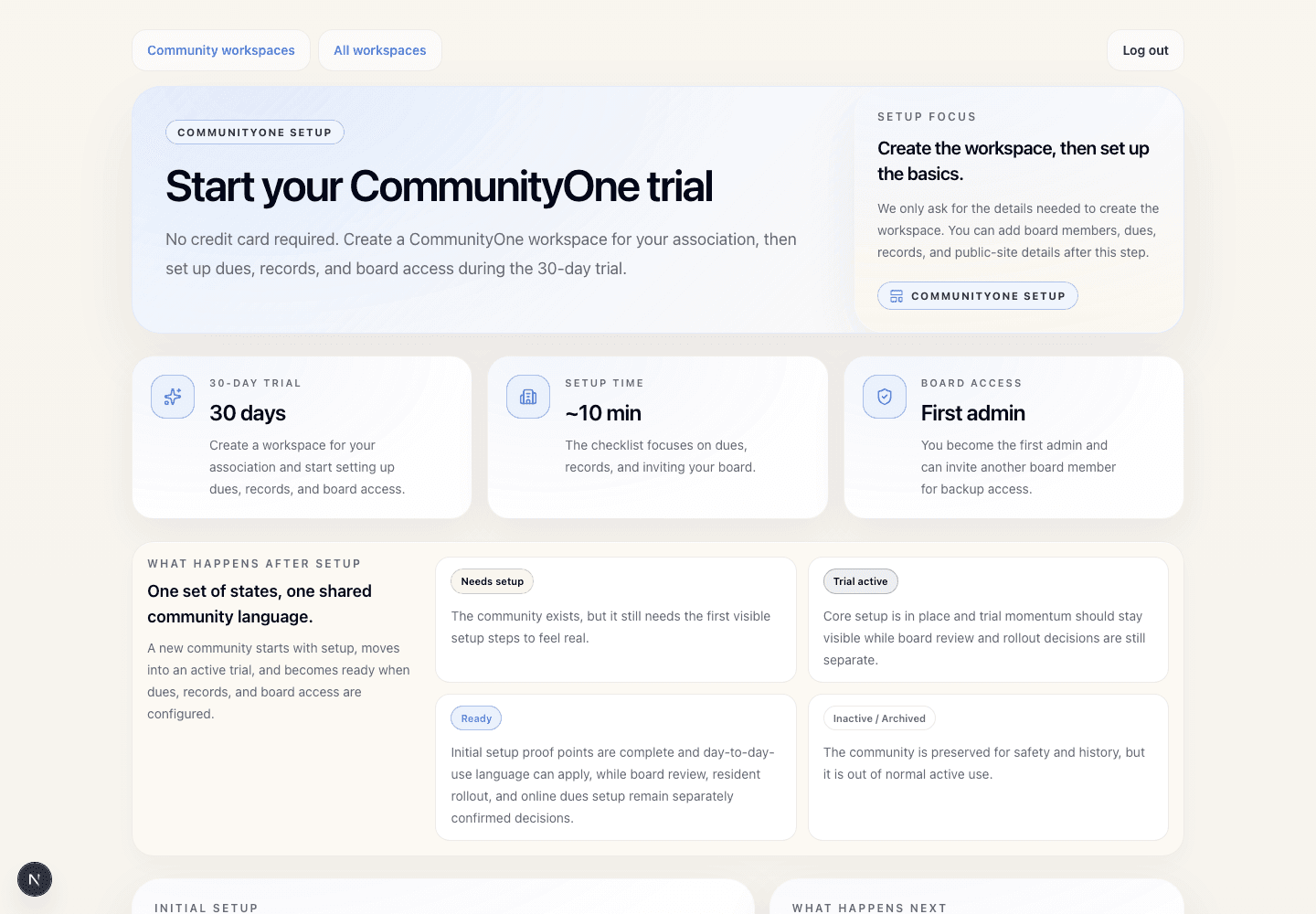
Trial onboarding
Shows the setup experience prospects use to start a CommunityOne workspace and move through launch steps.
Four steps from setup to calmer daily work.
Create the community workspace
Each association gets a dedicated portal with its own roles, members, records, dues context, and clean separation from other communities.
Invite boards, members, and managers
Role-aware access keeps board tools, resident self-service, admin controls, and manager workflows clear from the first login.
Publish dues truth and core records
Balances, remittance guidance, documents, rules, meeting notes, and announcements move into one place residents can trust.
Run requests and follow-up visibly
Resident requests, board tasks, updates, and history stay attached to the community so accountability does not depend on inbox memory.
Less chasing, more accountable follow-through
Records stay organized, handoffs get easier, and community decisions remain visible after volunteers rotate.
Answers without the email maze
Dues status, documents, updates, requests, and meeting context are available from one resident-facing portal.
Consistent operations across communities
Each association stays separated by account and role while the workflow pattern stays familiar across every community.
Choose what your board should set up first.
Once the board sees the workspace, the next step is simple: choose which records, dues details, roles, and resident views need to be ready first.
Collect dues, organize records, manage requests, or improve resident communication.
Roles, dues context, documents, requests, and communications stay connected.
Start with board/admin users, then invite homeowners when the workspace is ready.
Start small without starting over later.
Essentials helps the board manage dues, members, properties, documents, meetings, and announcements. Pro adds community management for homeowner communication, requests, vendors, and operating follow-up. Complete supports the broadest HOA operating needs where current production features support the workflow. All three use the same community workspace, so the board can start with today's need and expand later.
One login and role model.
Dues truth and payment history.
Records and actions remain traceable.
Start CommunityOne with the board problem you need to solve first.
Set up dues, records, board access, and resident communication in the order that fits your association. Compare Essentials, Pro, and Complete before inviting homeowners.