Digital Front Door of the Neighborhood

HOA software for dues, records, and resident communication.

HOA and POA software for dues, records, meetings, announcements, and resident communication in one place.

Founder-beta setup: Start with the plan that solves today's board problem while SuiteOne supports setup for dues, records, homeowner communication, or deeper HOA operations.

1

role-aware community workspace

3

clear HOA plans

0

separate homeowner portals to relearn

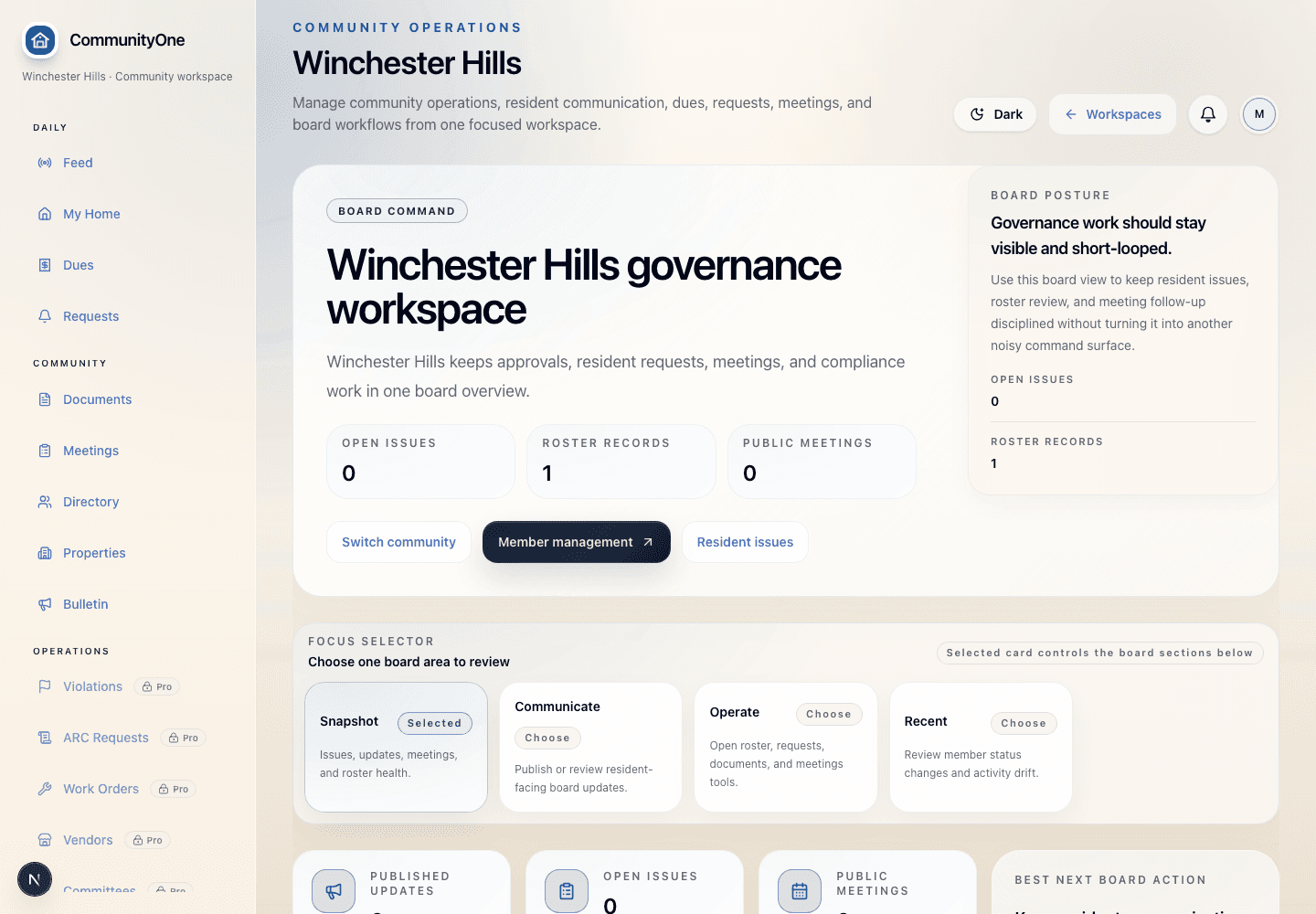
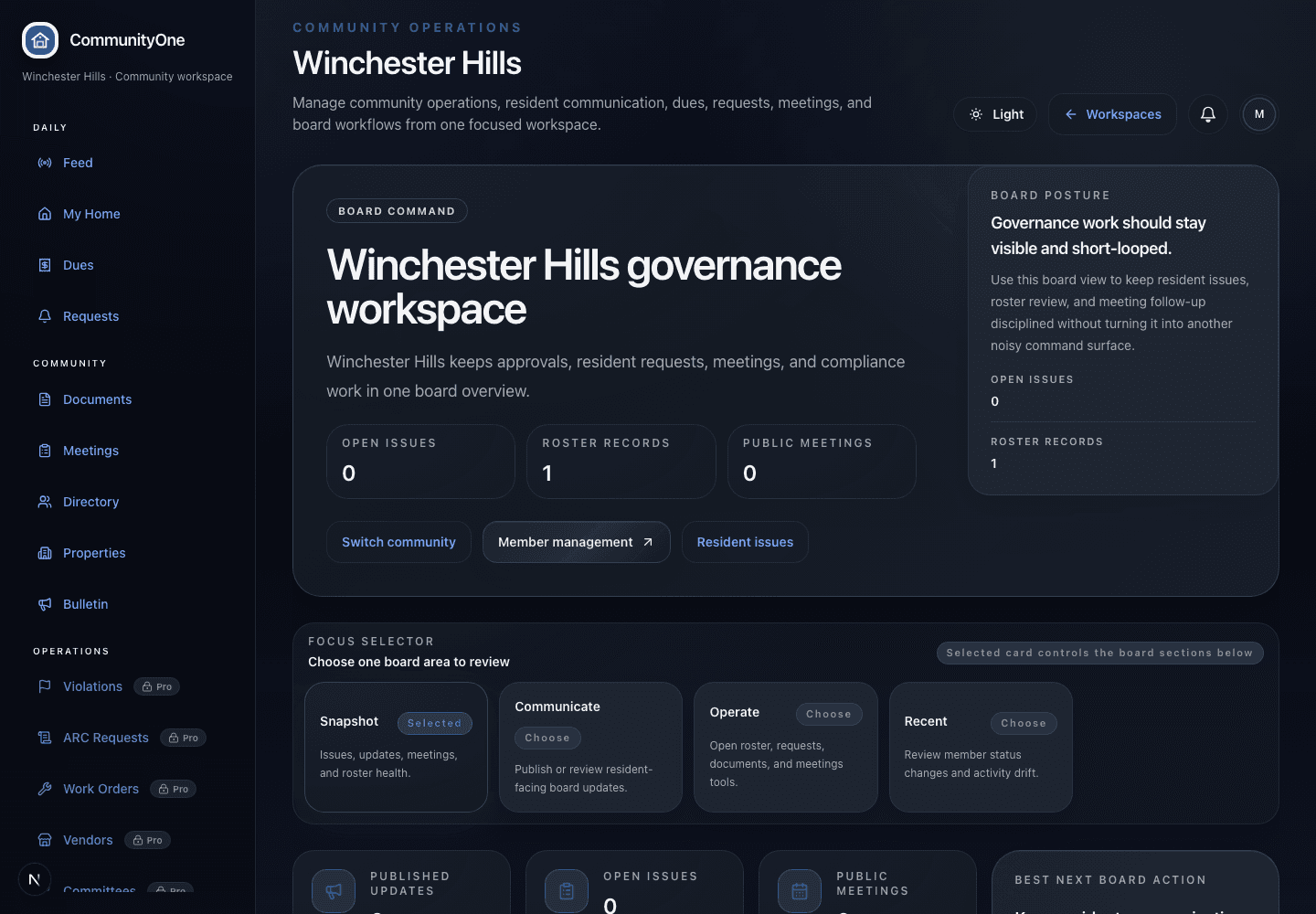
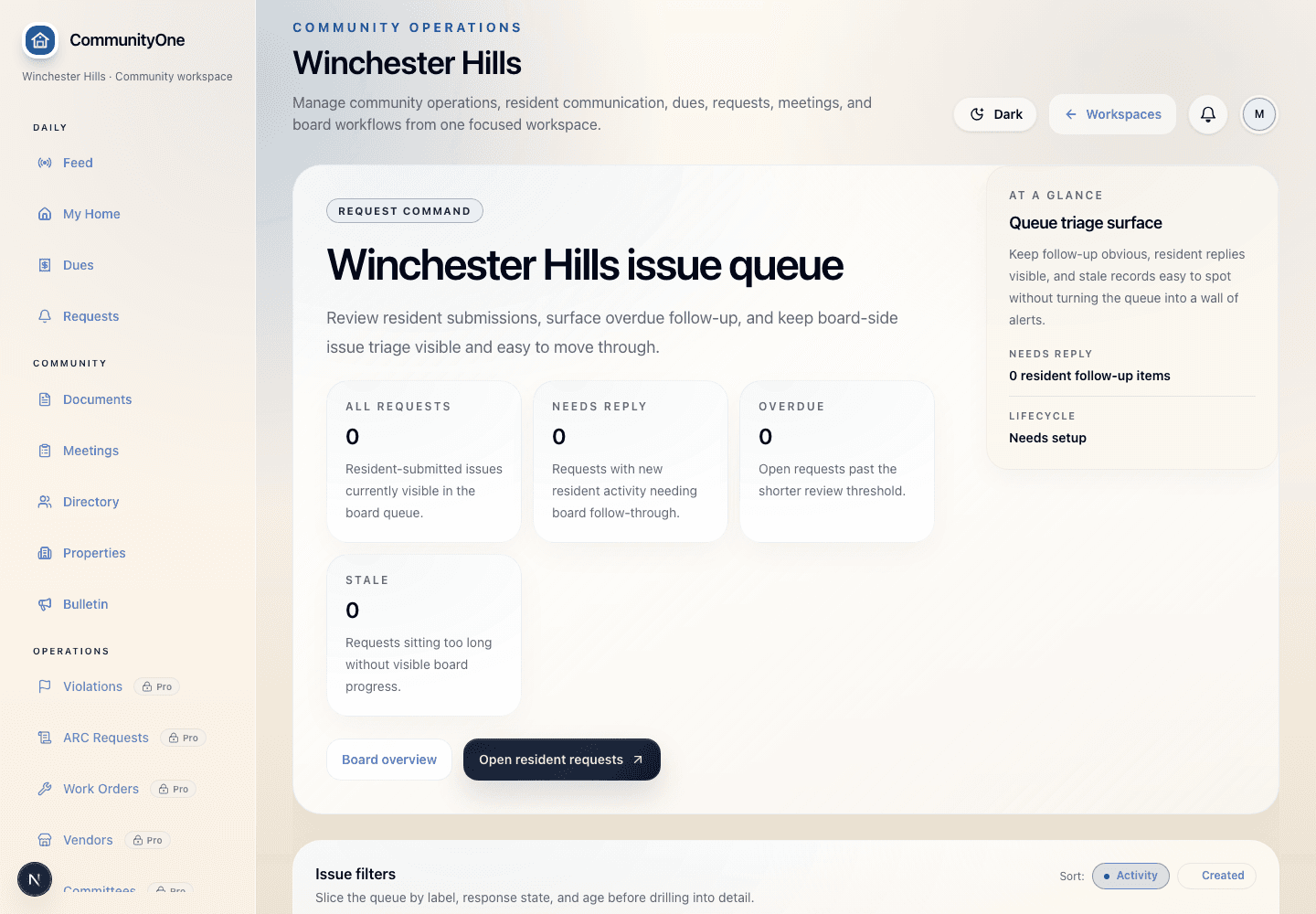
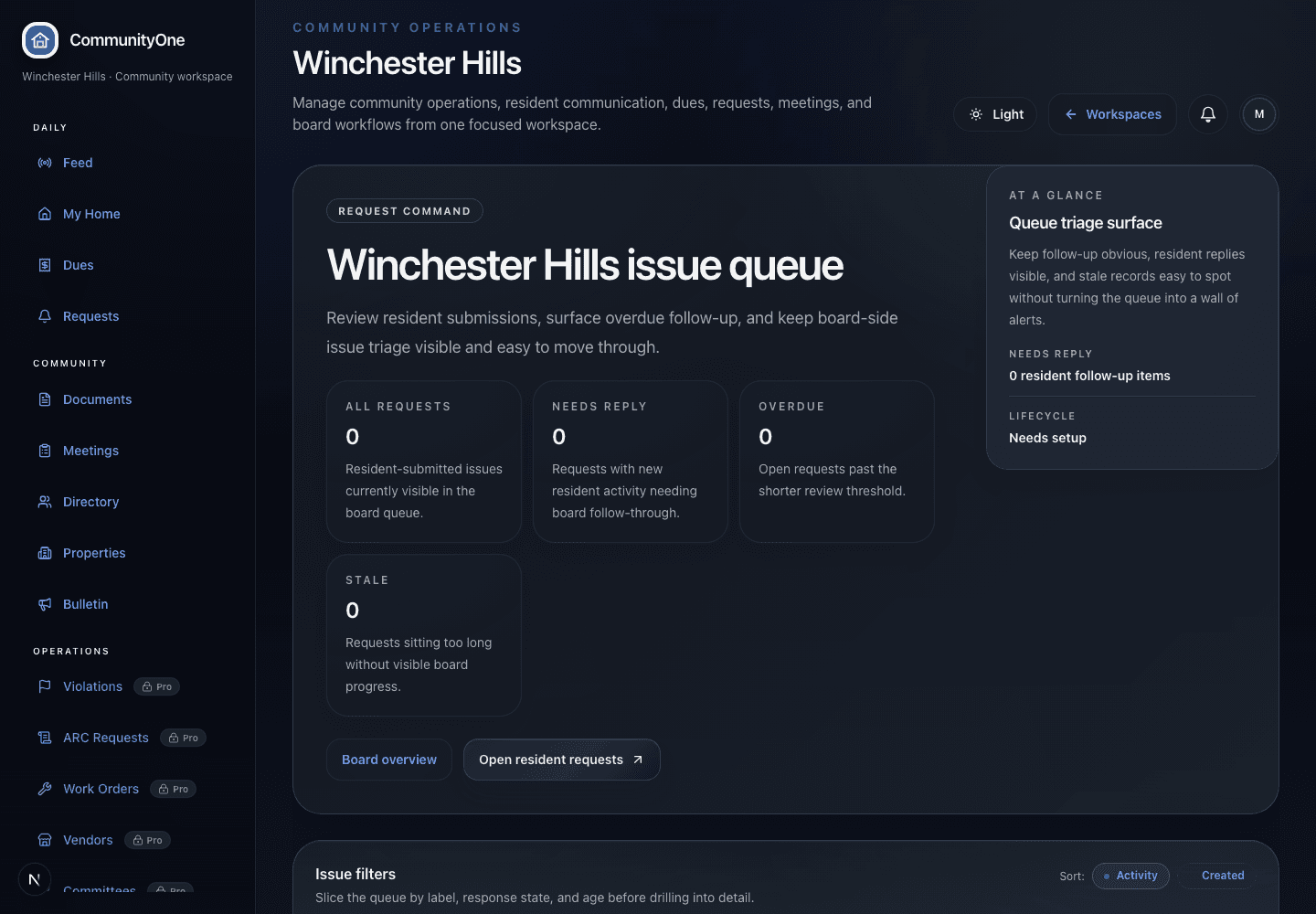
Actual CommunityOne screenshot · light theme
CommunityOne board dashboard showing announcements, activity, summary cards, and board navigation.
Actual workspace

Board dashboard

Shows what needs attention first: dues, meetings, requests, documents, and resident updates.

52
Lots
60
Members
14
Open items
OverviewDuesMeetingsRequests
Annual duesPublished$450
Annual meetingScheduledMay 14
Streetlight repairIn progressVendor
Trust signal: Grounded in the same role-aware CommunityOne workspace boards use after login. Source: /communities/winchester-hills/board/dashboard.
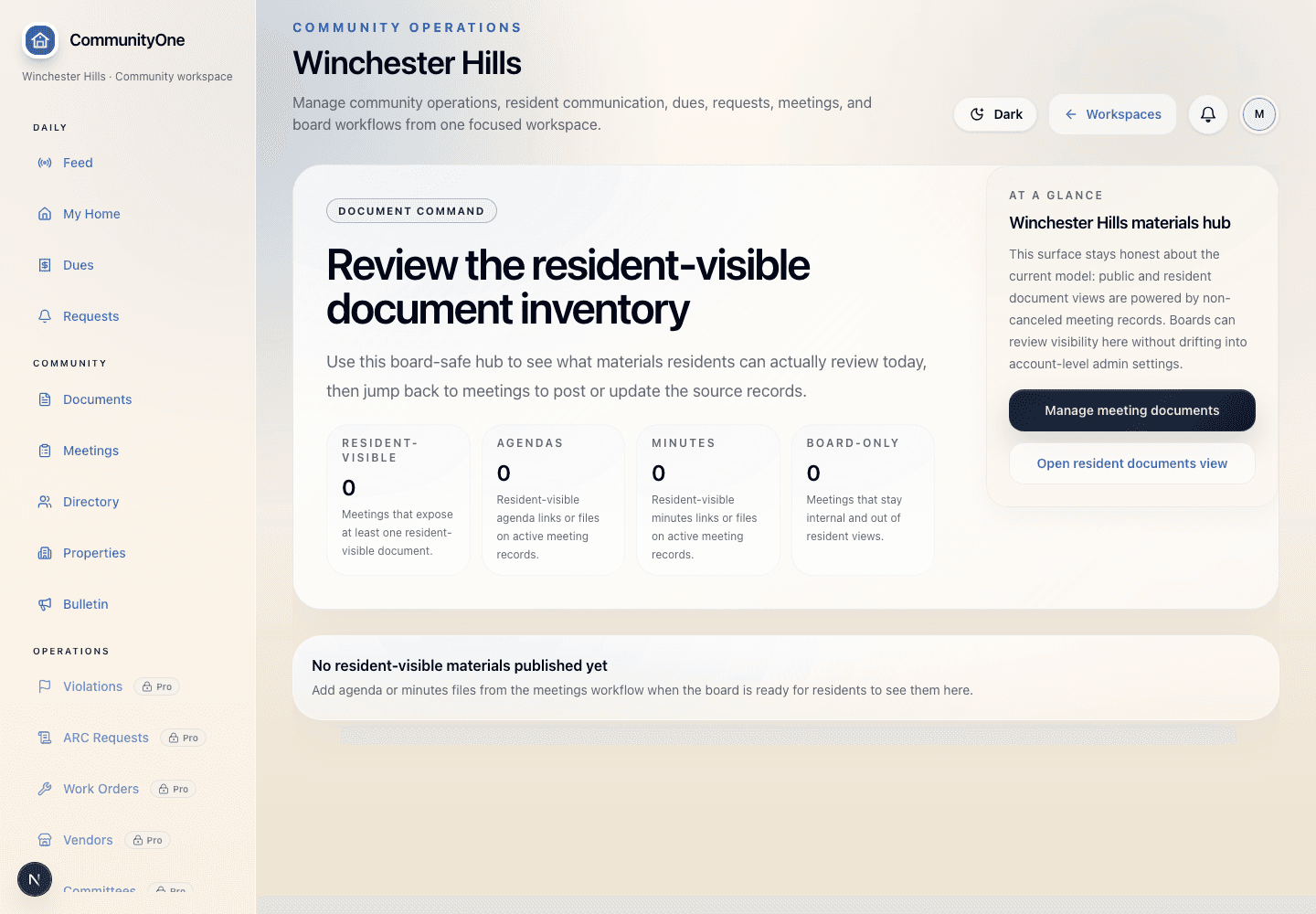
Actual CommunityOne screenshot · light theme
CommunityOne financials screen showing dues, assessment, and payment administration context.
Actual dues view

Financials & dues

Shows payable balances, annual dues posture, partial payments, open balances, and admin visibility.

$450
Annual dues
50
Households
3
Statuses
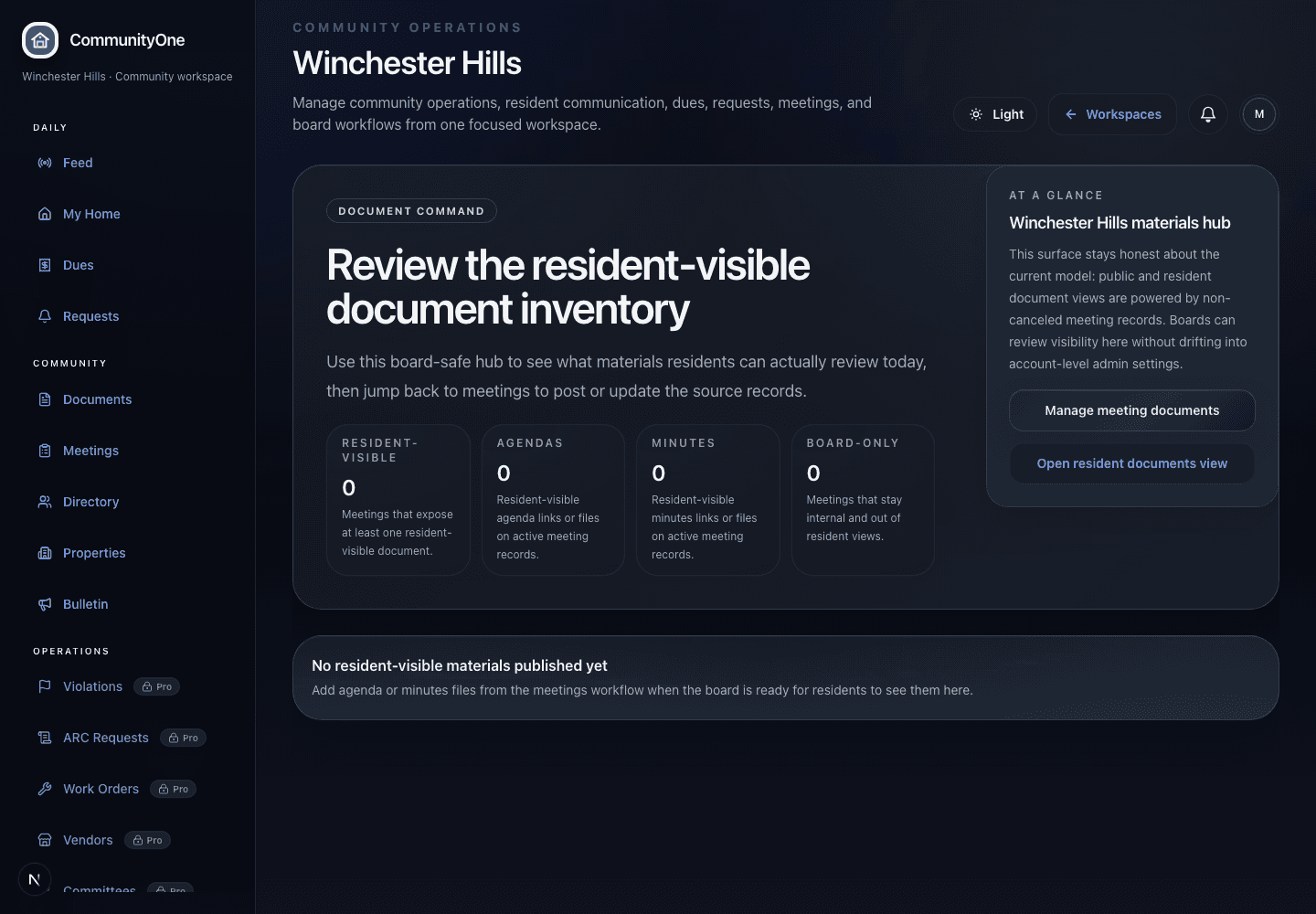
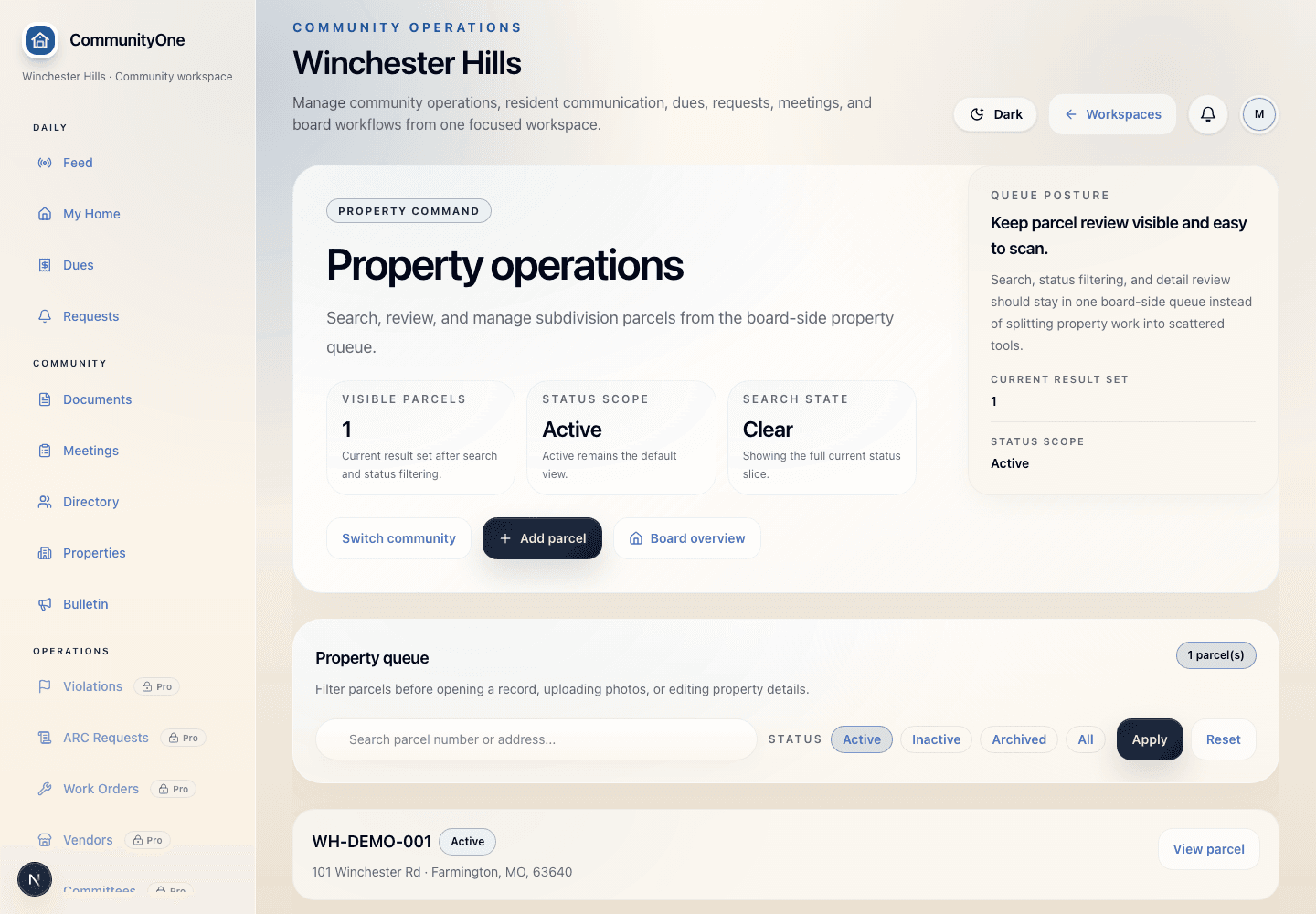
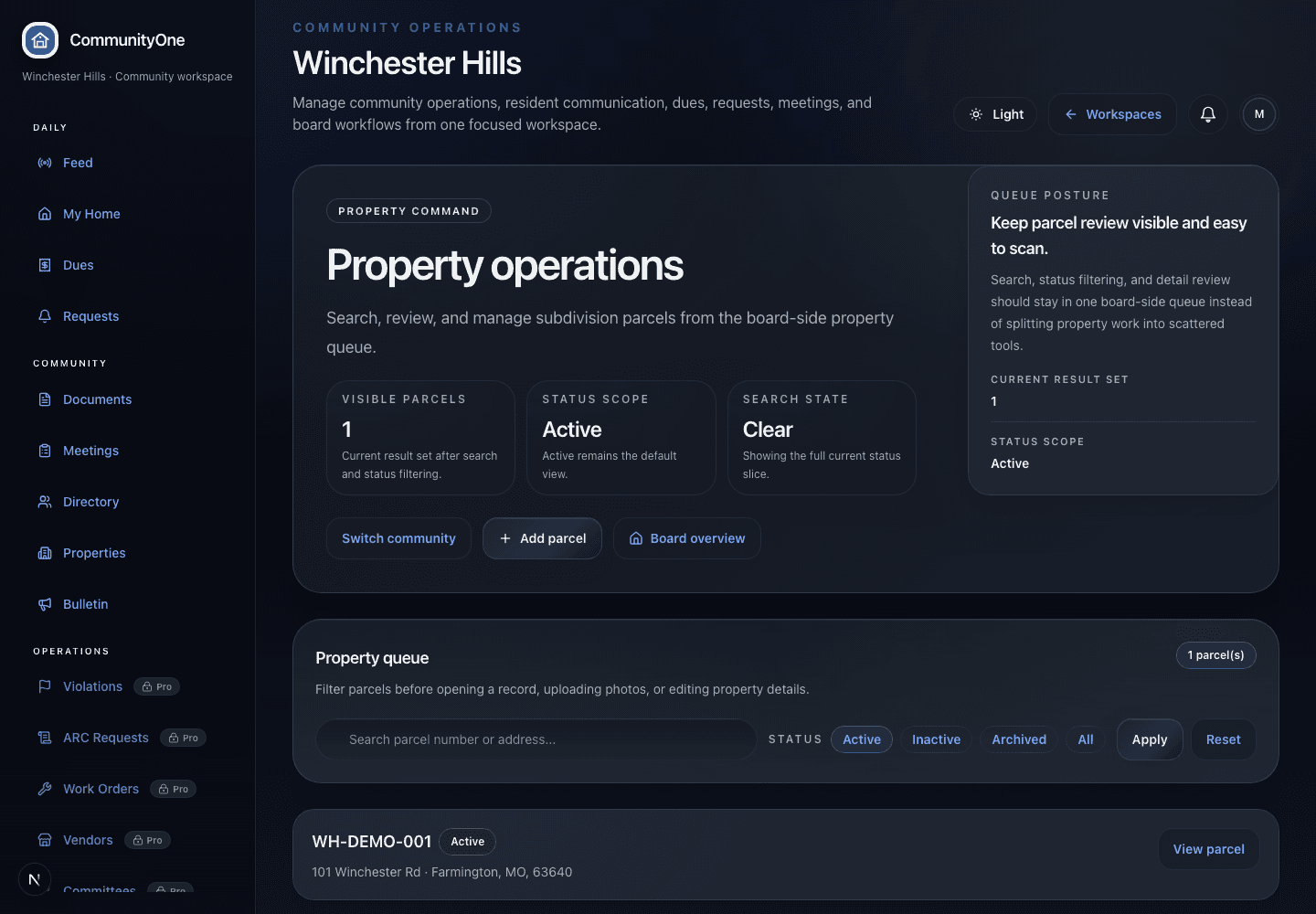
Actual CommunityOne screenshot · light theme
CommunityOne work orders and requests screen showing active resident and maintenance requests.
Actual request workflow

Work orders & requests

Moves resident requests, maintenance items, ARC questions, and board responses out of inbox chaos.

8
Requests
6
Labels
4
Board replied

Your neighborhood should not run on scattered tools

Bring dues, documents, meetings, announcements, and resident questions into one trusted place.

CommunityOne gives HOA, POA, and COA boards a calmer workspace for the daily work of running the association while giving homeowners one clear front door for the information they need.

For treasurers

Dues visibility, payment instructions, posted receipts, offline receipt records, and payment setup available through CommunityOne payment setup where enabled.

For secretaries

Governing documents, agendas, minutes, budgets, and meeting records stay organized instead of buried in old folders and inboxes.

For presidents

The board gets a clearer view of what needs attention: dues readiness, upcoming meetings, resident updates, and operating follow-up.

For homeowners

Residents have one place for announcements, documents, meeting details, dues context, and the next step when they need help.

CommunityOne Essentials runs the association. Pro keeps everyone informed. Complete operates the neighborhood.
A peaceful neighborhood pond and homes representing a community association.

A clearer association rhythm

When the community record is clear, the board can lead instead of constantly explaining.

Community confidence

Give boards and residents a shared place to trust what is happening.

CommunityOne should feel less like software and more like relief: a calmer record for dues, meetings, documents, announcements, resident questions, and the everyday work that wears down volunteer boards.

Resident trust

Homeowners can see the right records, notices, dues context, and next steps without chasing board volunteers for answers.

Board relief

The board gets fewer scattered messages and a cleaner operating surface for decisions, follow-up, and accountability.

Community continuity

Meetings, documents, dues, announcements, and requests stay tied to the association instead of disappearing into inboxes and handoffs.

Trust, security, pricing

Real buyers need more than a beautiful product page.

CommunityOne answers the practical buyer questions in one reusable architecture: what it is, how rollout works, how trust is handled, and where pricing belongs.

Active product

Standalone front door

CommunityOne has a public product surface with its own buyer language, trust framing, and product-specific next step.

Security posture

Trust model

Role-aware board, member, manager, records, dues, and governance surfaces for association operations.

Implementation

Rollout expectation

Can start with Essentials, Pro, or Complete depending on the association's first operational pain.

Company detail

Product position

CommunityOne is focused association software for HOAs, POAs, COAs, and board-led communities.

Features

Everything your board needs to run the association. Everything homeowners need to stay connected.

Dues clarity

Dues visibility, payment instructions, posted receipts, offline receipt records, and provider-confirmed checkout posture stay understandable for residents and boards.

Records and meetings

Governing documents, budgets, agendas, minutes, and meeting details survive board turnover instead of living in inboxes.

Resident front door

Homeowners get one trusted place for updates, documents, meetings, dues context, and association information.

Package fit

Start with Essentials, add Pro for communication, or use Complete for deeper requests and board operating workflows.

Workflow

A practical path from setup to daily board work.

01

Start with Essentials

Set up the association profile, board/admin users, members, properties, dues visibility, documents, meetings, and first announcements.

02

Add Pro when communication is the pain

Give homeowners one clearer front door for updates, resident-safe records, meeting details, and association information.

03

Use Complete for deeper operations

Add requests, board follow-up, property context, and guided approvals or violations where supported and scoped.

Focused product system
Dues visibility
Documents and records
Announcements
Member and property records

Outputs

The community record becomes easier to trust.

CommunityOne keeps board work, resident self-service, payment clarity, documents, meetings, announcements, and plan upgrades in one focused product experience.

Dues visibility
Documents and records
Announcements
Member and property records
Requests and follow-up
Role-aware access

Start with the package your board can actually launch.

Use the supervised founder-beta path to review fit, set up your community with SuiteOne support, and choose the plan that matches the work your board needs to manage first.

Founder-beta setup: Start with the plan that solves today's board problem while SuiteOne supports setup for dues, records, homeowner communication, or deeper HOA operations.

Next move

Start with the CommunityOne scope that fits first.

Use the same CommunityOne foundation whether the first rollout is Essentials, Pro, or Complete. Scoped starts are fit-guided; the CommunityOne trial remains a guided setup path, not a claim that every account already has an active workspace.